Using AppleScript in 2026
Yes, a relic from the past frozen in time. There are better scripting languages out there, but this one ships with macOS and can tell other apps what to do. With its clunky syntax and awkward editor it’s hard to make a case for it, but I found it very handy for automated visual regression testing.
Sweating the details is only fun once
Back in early 2024 I finally switched to Zed as my main editor and the one thing I missed from Sublime Text was the theme, Oceanic Next. A Zed theme is, a bit oversimplified, a JSON file full of tokens. So I ported it myself, cross-referencing the first party themes until it worked.
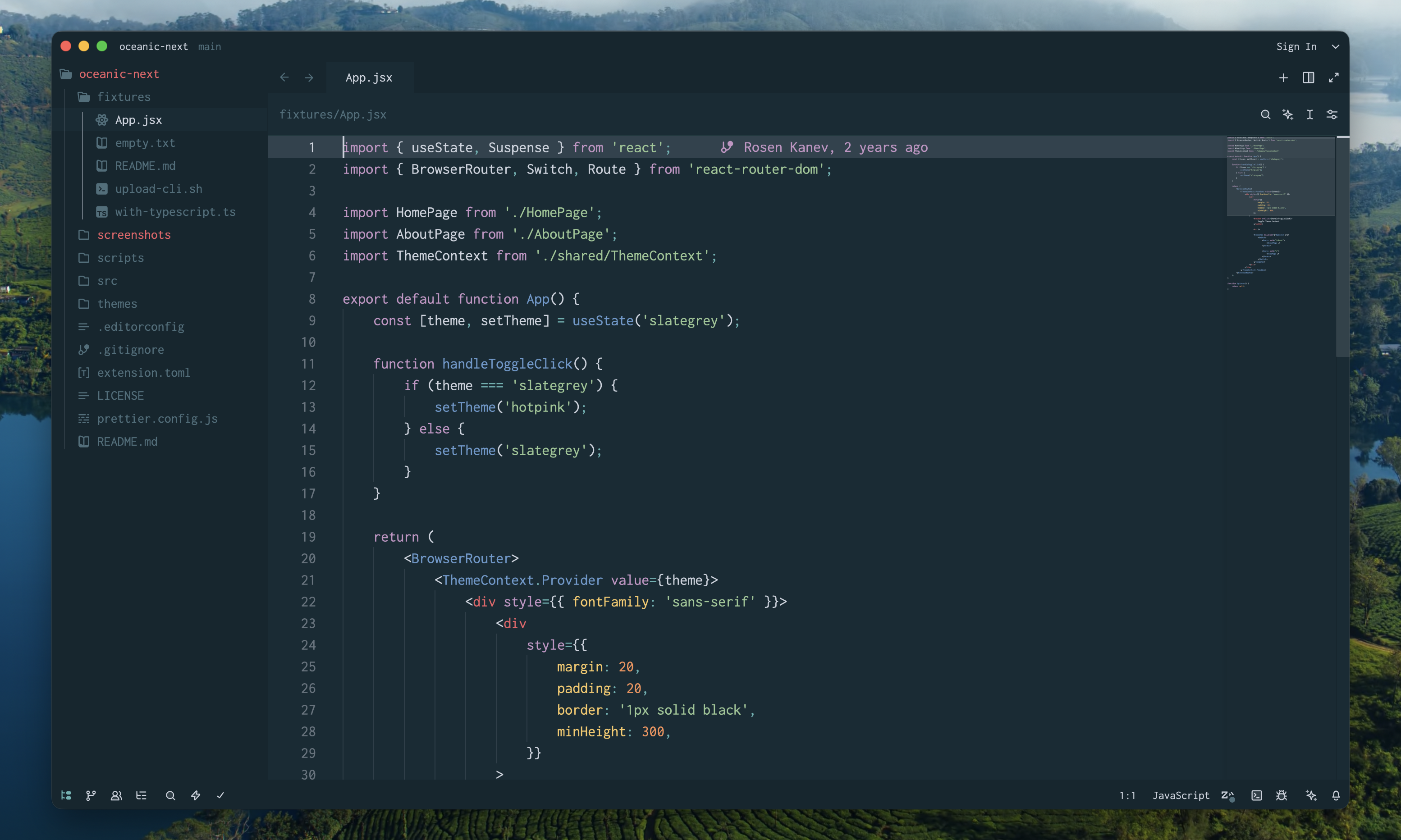
While I was neck deep in tokens I could tell you which key-value pair affected which part of
the editor. For instance, the border token is used for the lines between panels, but also for the square
outline of a checkbox. Oceanic Next is minimalistic and uses borders sparingly, so I tried making them
transparent. Only later, while testing by hand, did I notice that unchecked checkboxes had become
completely invisible. No bueno.
Making the theme was a very rewarding process of sweating the little details. Lightly updating it a
year later was less so! Zed moves fast, and I underestimated how much contextual knowledge would be lost,
even with the 7 screenshots in the README file.
This year I added a light variant and polished some rough edges in the dark one. This time I also wanted to catch visual regressions without relying on my memory of how everything should look. The idea is to take a screenshot as a baseline whenever I publish the theme, then compare it with a new one after every change.
AppleScript, take the wheel
Manually taking app screenshots is tedious. You need to carefully open the app at the exact same window size, with the exact same panels, in the exact same project. Sometimes you even have to move the cursor to exact XY coords and wait for a popover to appear. Multiply that by every screen and state worth keeping as baseline evidence. So how do you automate that?
AppleScript has shipped with macOS since the early ’90s, making it literally older than the name “macOS”
itself. It’s Apple’s attempt at a script language that reads like English. You run it from the terminal
with osascript, so there’s nothing to install. What sets it apart from a shell script is that it can
talk to other apps and the OS itself: bring a window forward, click a menu item by name, then hand
off to the shell with do shell script. Its documentation
is short enough to read start to finish in a day.
And it looks like I’m not the only one still reaching for it. Ghostty, a modern terminal, added AppleScript support in v1.3 which feels pretty validating.
AppleScript was really a hidden gem and saved me a huge chunk of third party dependencies. The other pieces:
screencapturefor taking the screenshots themselves (macOS built-in)- ImageMagick for computing the image diff
- cliclick for moving the cursor around1
For each screen, the process looks roughly like this:
tell application process "Zed"
    set frontmost to true

    -- move the mouse cursor away from the screencapture area
    tell me to do shell script "cliclick m:75,75"

    -- wait for macOS animations to complete
    delay 0.2

    click menu item "Project Panel" of menu 1 of menu bar item "View" of menu bar 1

    tell me to do shell script "screencapture -x -R683,301,1577,939 ./target/01-empty-project.png"

    tell me to do shell script "magick compare " &
        "./baseline/01-empty-project.png " &
        "./target/01-empty-project.png " &
        "-compose Src ./diff/01-empty-project.png " &
        "2>&1 || true"
end tell
The full script is about 100 lines of AppleScript doing crude automated visual regression testing. Zed draws its UI on the GPU instead of using native widgets, but I’m not querying inside the window! It turns out that the menu bar is a convinient portal to the apps internals. Is it brittle and a bit finicky? A little, but so are all end-to-end tests.
When I run the script ImageMagick reports the comparison stats, which I treat as a probabilistic boolean indicator. Any number at or near 0 means the difference is negligible and I can consider the new screenshot equal to the baseline. Higher than that - needs my attention.
To demonstrate, I swapped the token ghost_element.hover from
#1b3a40 to #4b6f7b. Both are colors I use elsewhere in the
theme so nothing looks obviously broken, but the command palette’s hover background no longer matches
the one in the sidebar file tree.
11-command-palette-hover.png immediately stands out when I run the visual regression script:
$ osascript scripts/visual-regression.applescript | column -t -s ","
name                                  diff
01-empty-project.png                  0 (0)
02-file-jsx.png                       1.04321 (1.59184e-05)
03-with-typescript-popover-error.png  0.288008 (4.39473e-06)
[...]
11-command-palette-hover.png          1543.06 (0.0235456)
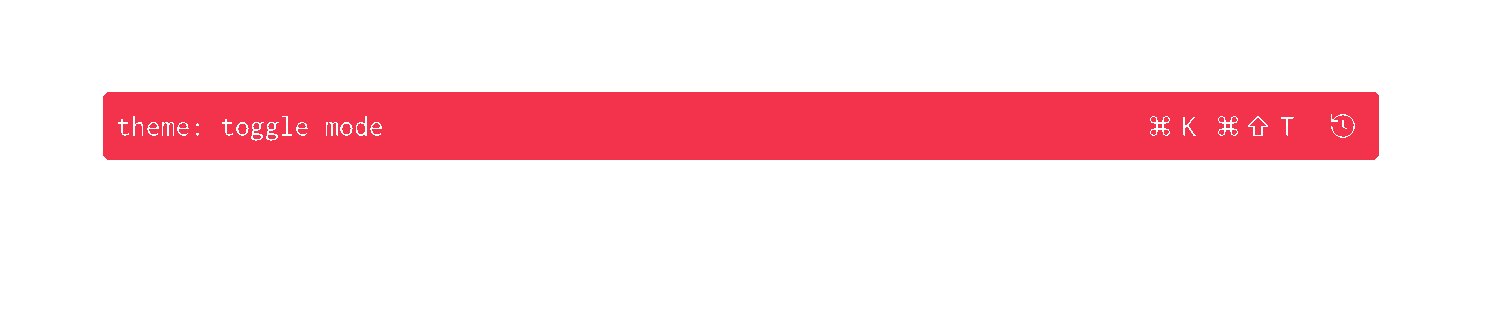
And here’s the output of ImageMagick’s compare command:
Good enough
Nothing here is clever. The shell does the heavy lifting: screencapture takes the pictures and
ImageMagick compares them. AppleScript is the product photography assistant that ensures the same
angle and lighting for every shot.
Granted, this plan doesn’t help when Zed changes its UI. The diff will light up and I still have to judge whether it matters. It also can’t cover every panel and state, which is a tradeoff between coverage and practicality I’m willing to make.
I fully expect this setup to break in creative ways a year from now and it’s macOS only. Everything feels like a dirty hack and that’s exactly why I love it! In my day job, this would never see the light of day, but this is an open-source side project that I’m running solo. I don’t need the perfect setup for this. I just need it to work well enough and to have some fun, otherwise what’s the point?
P.S. Apple, I’m begging you. If you really intend to make Shortcuts a successor and a full replacement of AppleScript and Automator, would you consider getting it to at least 80% feature parity? I get that AppleScript is a security nightmare, but I’m sure you can come up with an adequate replacement for it. Thanks!
Footnotes
-
I experimented with
CGWarpMouseCursorPositionand while I did manage to move the cursor I just couldn’t get it to click on the target coords. ↩